

patient support
You can always contact our dedicated team on 0800 781 8069
Here you can find the essentials to support your diabetes management journey, including product guides, educational tools and how to content.

Guides, updates & Troubleshooting
How To guides, user manuals and software updates to help you get the best from your product.
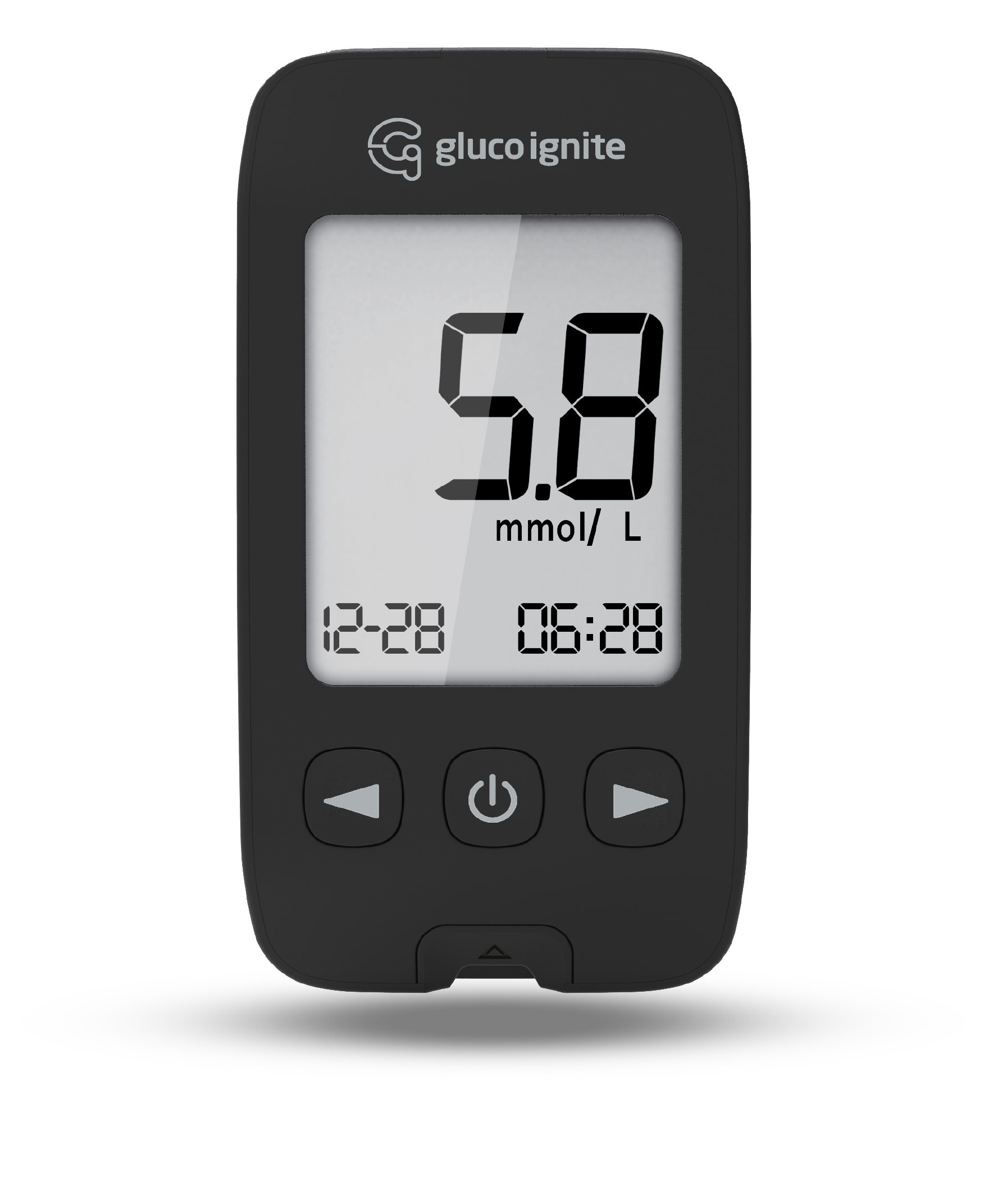

Accessories & product support
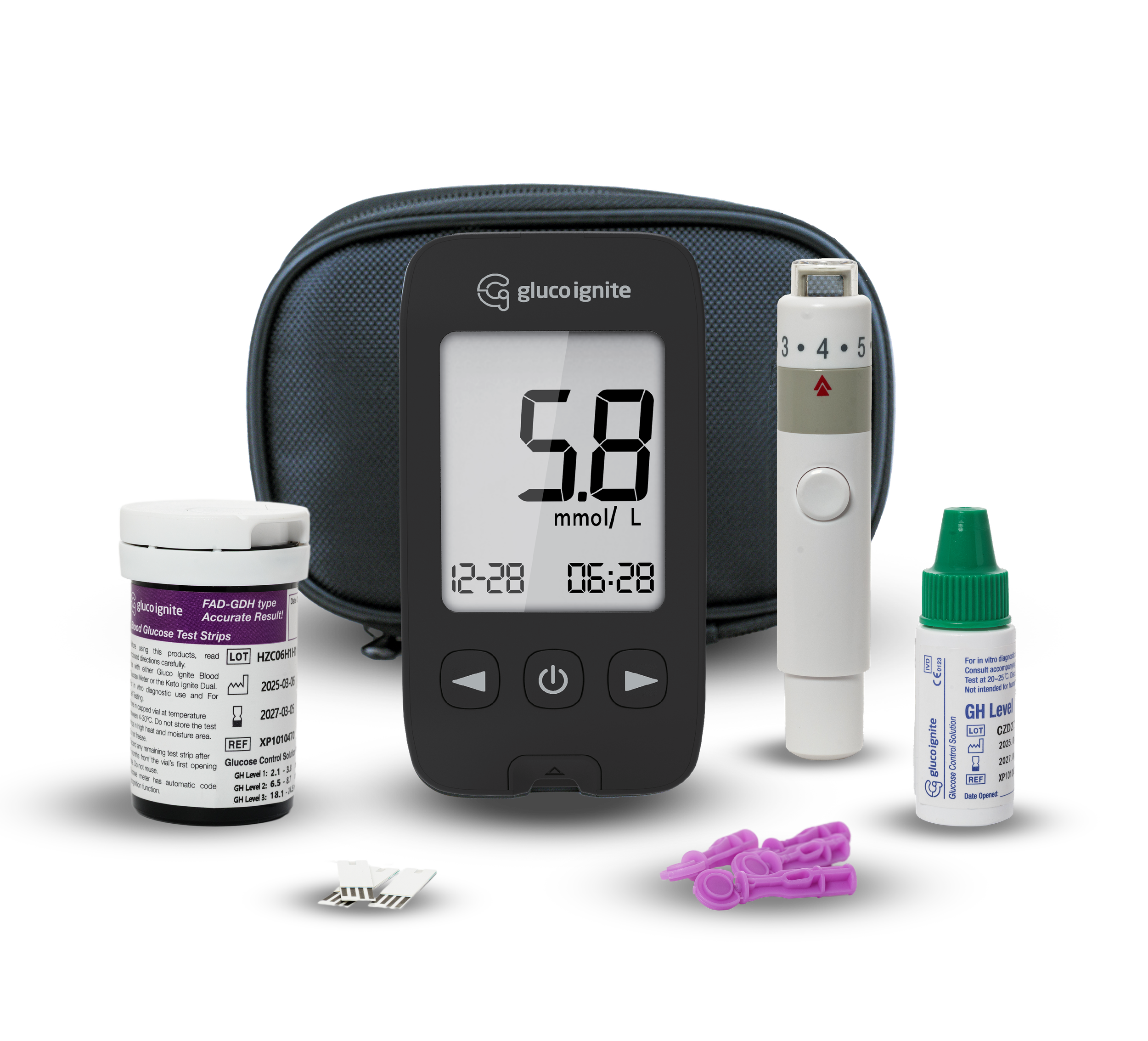
To order additional accessories, replacement parts, or for anything else, please contact us.

Frequently asked questions
We understand that it can be daunting when faced with new technology that is unfamiliar. Here you can find some of the most frequently asked questions.
Still can’t find the answer? Contact support below.
Gluco Ignite Devices
-
1 . Insert the test strip with black lines facing upwards and pointing towards the test strip port.
2 . Make sure to firmly and completely insert the test strip into the meter. The meter will beep and automatically turn on with code, time and date displayed. The Gluco Ignite has automatic code recognition function and adjusts the meter accordingly.
3 . When the blood drop symbol - appears on the screen, shake the control solution vial well.
3. Remove the control solution cap. Squeeze the vial, discard the first drop and wipe off the dispenser tip with a clean tissue to ensure an accurate result. If large bubbles appear at the tip of the vial, wipe the bubbles off before applying a drop of control solution to the test strip. Then squeeze the vial again to receive a drop. Apply this drop of control solution to a clean and nonabsorbent base. Close the lid of the control solution vial immediately after use.
4 . When the test strip measurement chamber is full, the meter will beep. The meter will count down from six (6) seconds and then show the control test result.
5. You can flag the control solution symbol & by pressing the left or right button with the test result on the display and the test strip still in the meter.
6. Press the (C) button to permanently save the selected marker and the device automatically switches off.
7. Eject the test strip into a proper waste container.
-
To change the device's settings, press the button and hold for more than 3 seconds until the symbol SET is displayed.
Use the button to switch between the setting options.
Press the button to set the hours, minutes, year, month and day one after another. With the left or right button, you can change the flashing value.
-
When the batteries are low the screen will display and blink the (LOW) on the screen.
Change the batteries immediately when this occurs.
Open the battery compartment cover on the back of the meter.
Insert new batteries, with the (+) side facing up.
Replace the compartment cover back onto the meter.
-
HI/ Blood glucose test result is higher than 33.3 mmol/L.
LO/ Blood glucose test result is lower than 1 .1 mmol/L.
Repeat the test with a new test strip. If the result is still "HI/ LO", contact your physician or healthcare profession.
-
All error codes can be found in your quick start manual or full meter manual.
If your meter is still NOT working after you have followed the troubleshooting instructions, contact our Customer Service line.
Gluco Ignite Lancets
-
Please contact your GP if you normally receive lancets or test strips on prescription.
-
Ignite Lancets and Ignite Safety Lancets are single-use and must not be reused.
General
-
Your health care professional or GP / Doctor will generally give you guidance on a range that your reading should be within.
You can also find further information from Diabetes UK and other resources online.
-
If your reading does not match how you feel then please test again.
If you have ANY concerns then please contact a your healthcare professional.
-
The Gluco Ignite meter does not test Ketone levels.
-
With the meter turned off, wipe the exterior surfaces with a clean damp cloth and allow to dry fully before use
-
The results cannot be deleted from the device. Once the memory is full it will begin writing over the oldest result.